
Welcome to your 3CX Service!
To get started with your mobile phone, please download the 3cx App on on your device.
- Open your 3CX app
- Click on ACCEPT notifications.

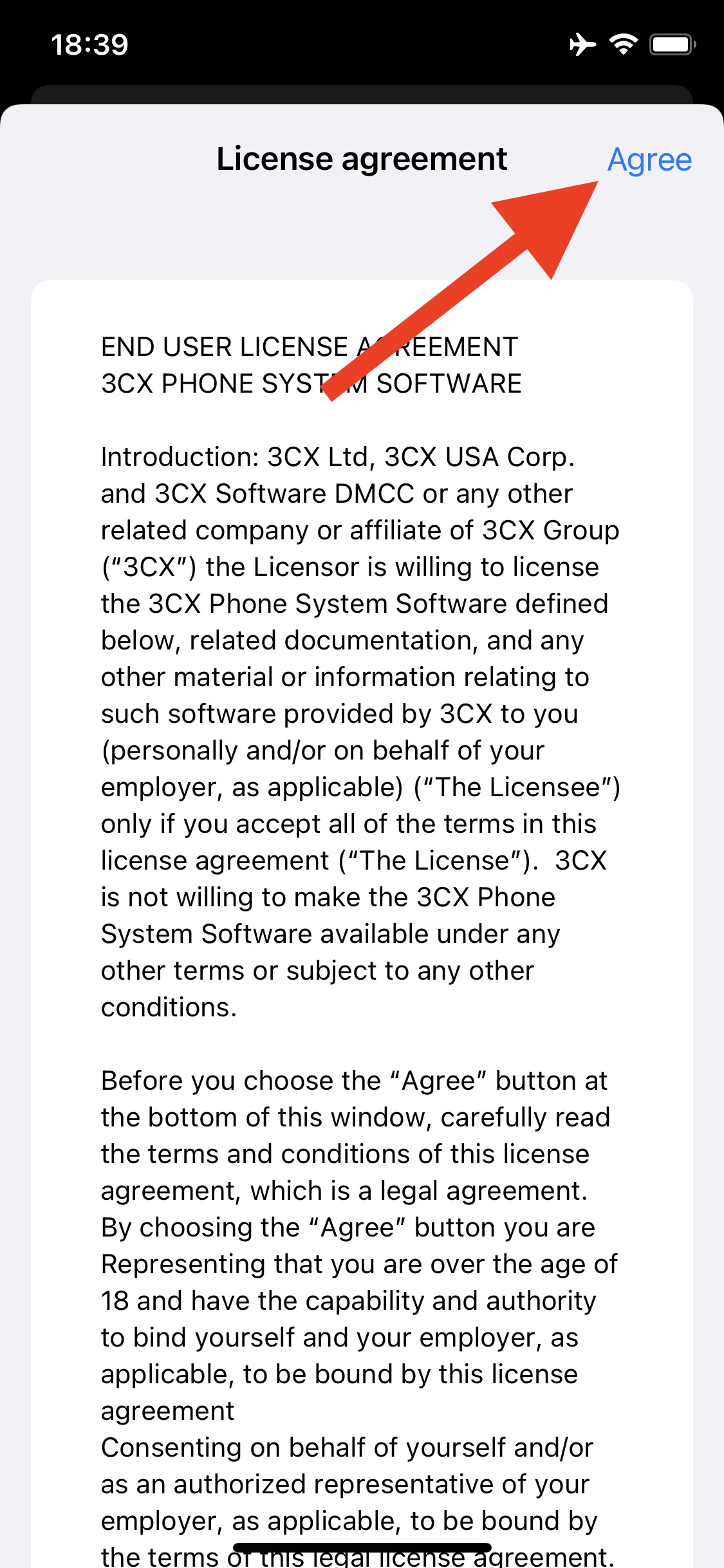
- Click on ACCEPT for the license agreement
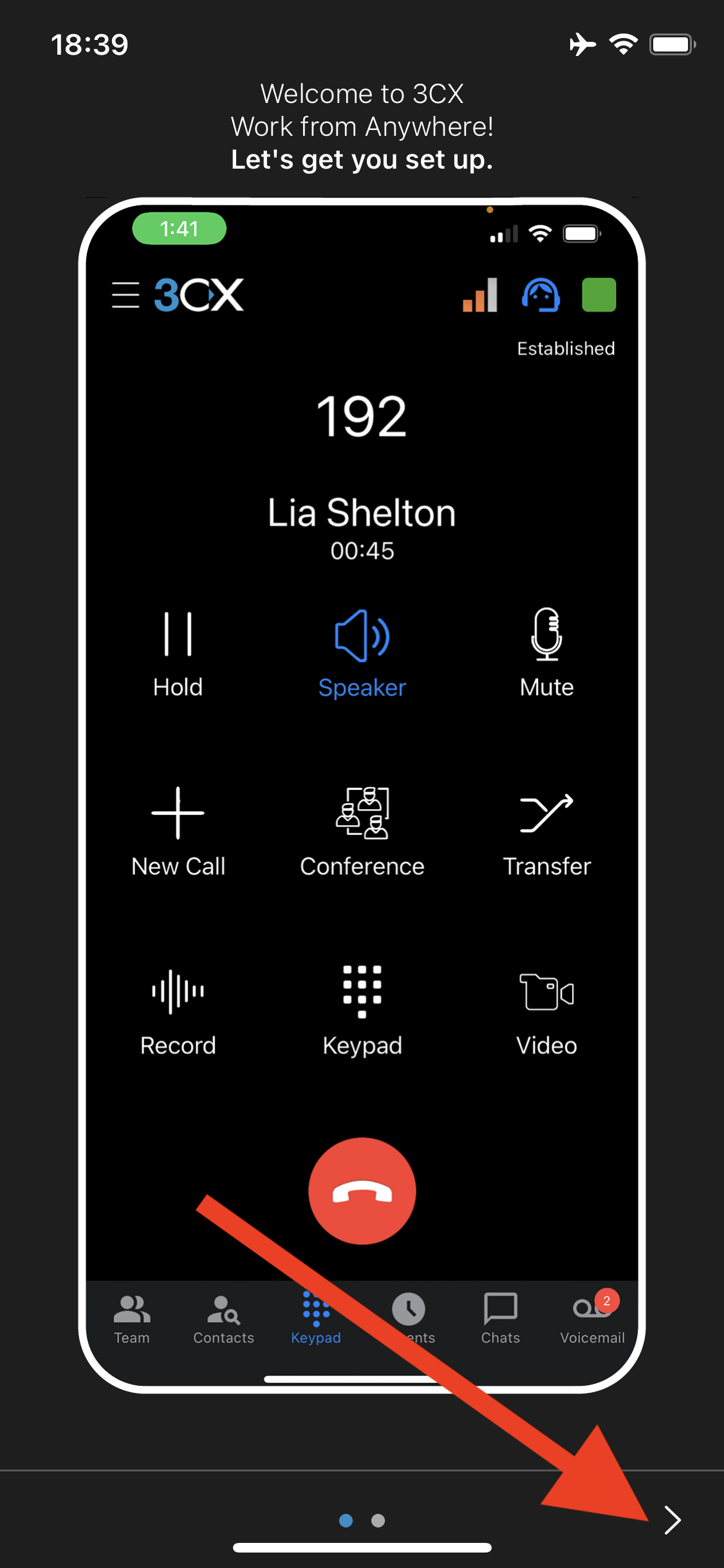
- Click on the right arrow to go through the getting started screens
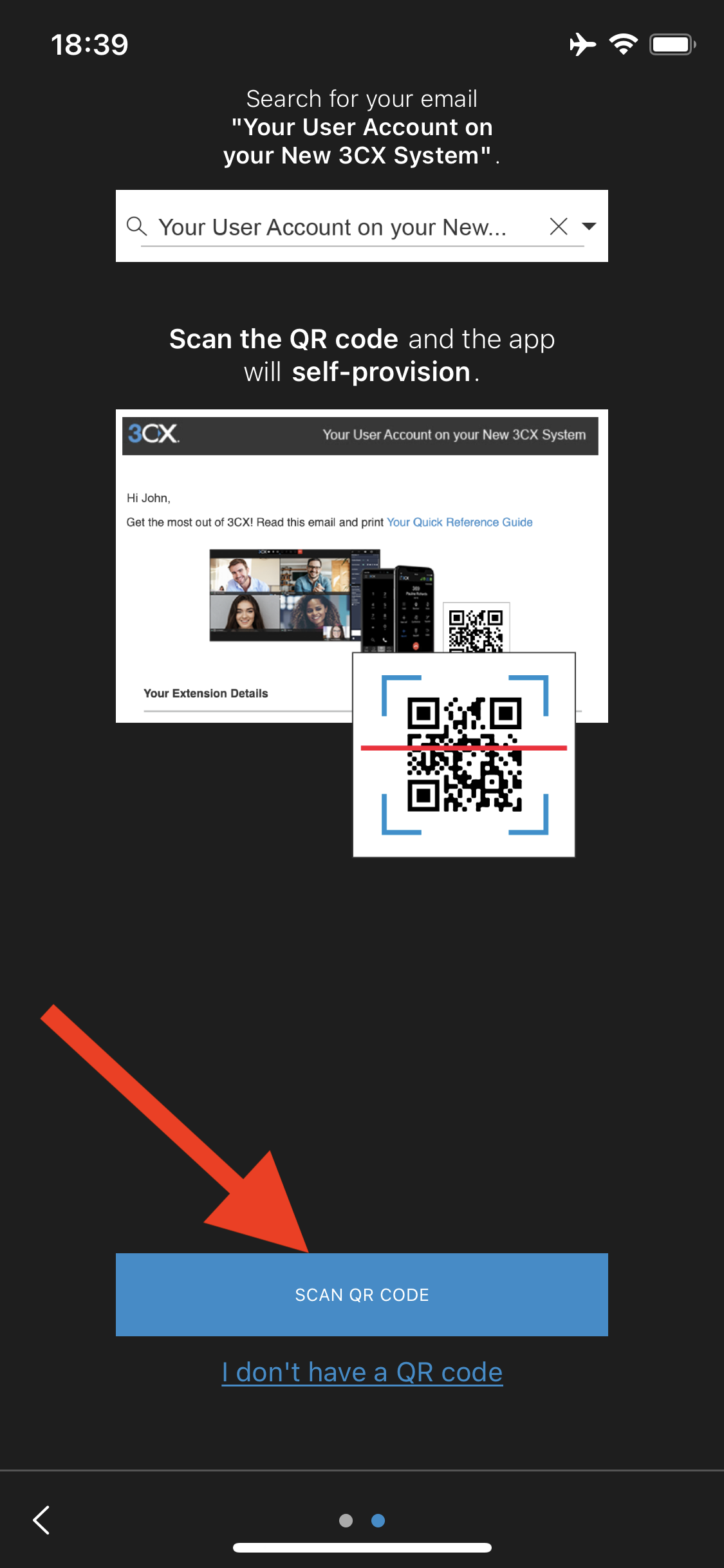
- Click on the SCAN QR CODE button
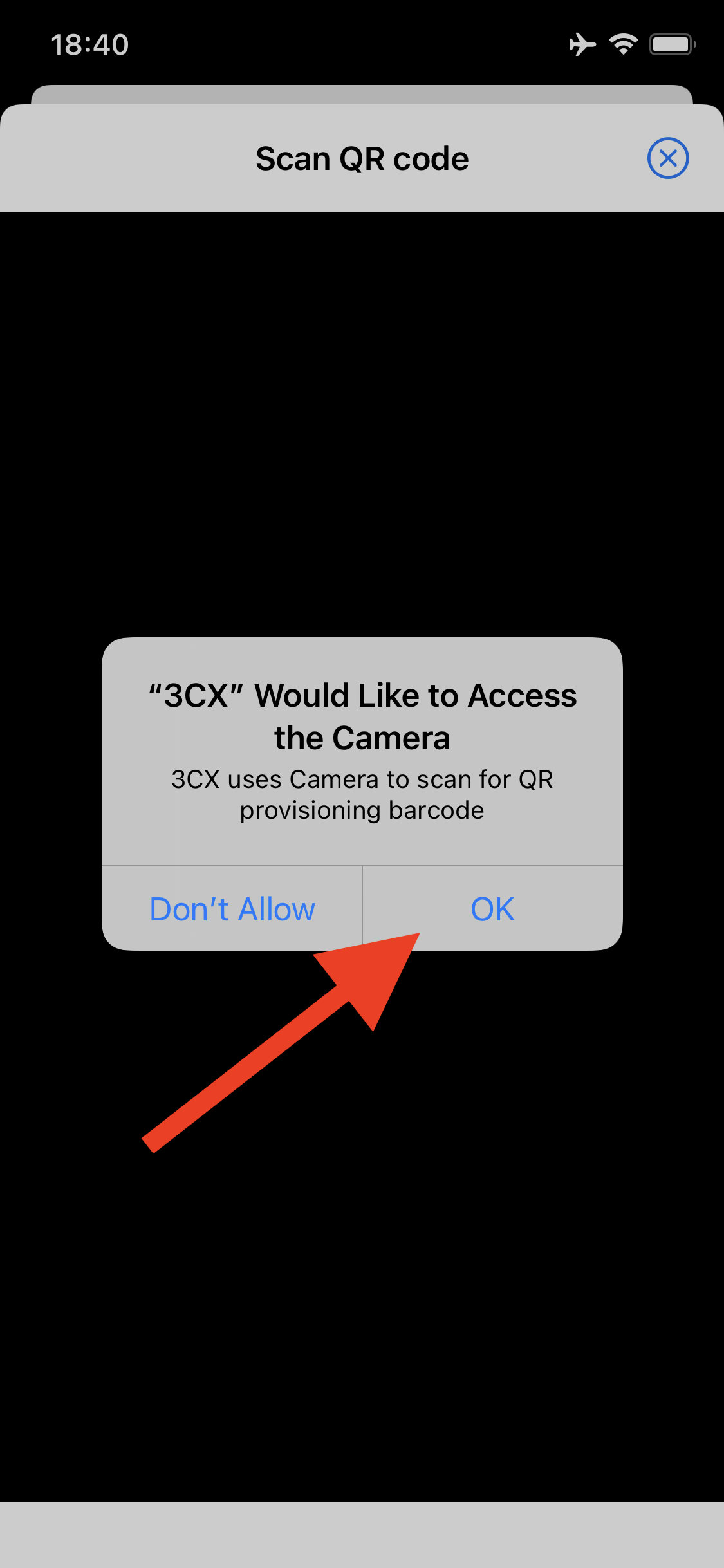
- Click on OK to allow your app access to the camera then scan the QR code
- Scan the provided QR Code in your welcome email
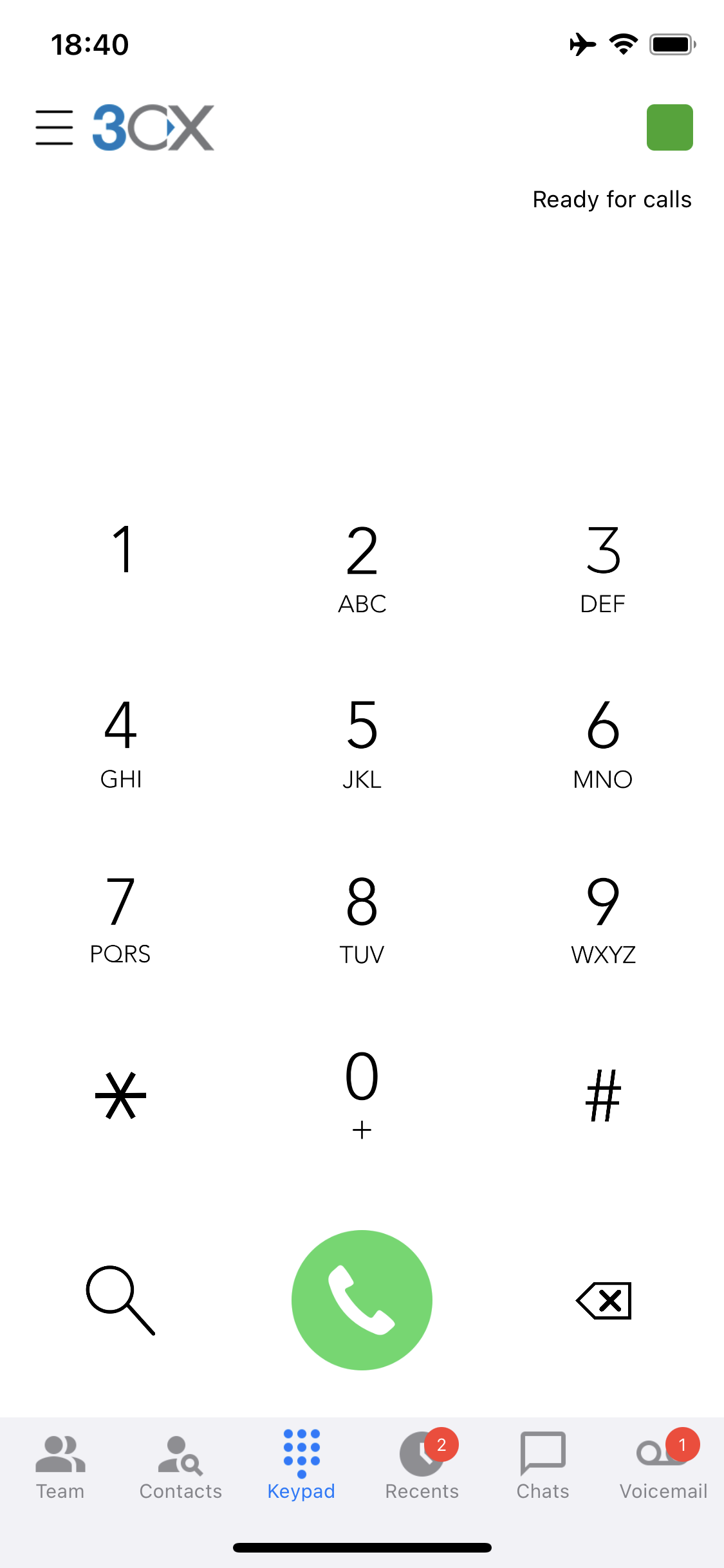
- Your setup is complete when you get to the dialer screen.
To learn more about your iPhone 3CX app, check out this video!